




No account or credits
Type a prompt and generate. No email, account, credit card, or paid credit pack is required. The generator runs directly on the page.
A Christmas wallpaper maker creates original festive backgrounds with room for phone clocks, desktop icons, and the screen shape you choose.
Shared anonymously in Examples by default · prompt-only requests are public · reference-image requests stay private
AI-generated examples. Use these prompts as a starting point; your results will vary.
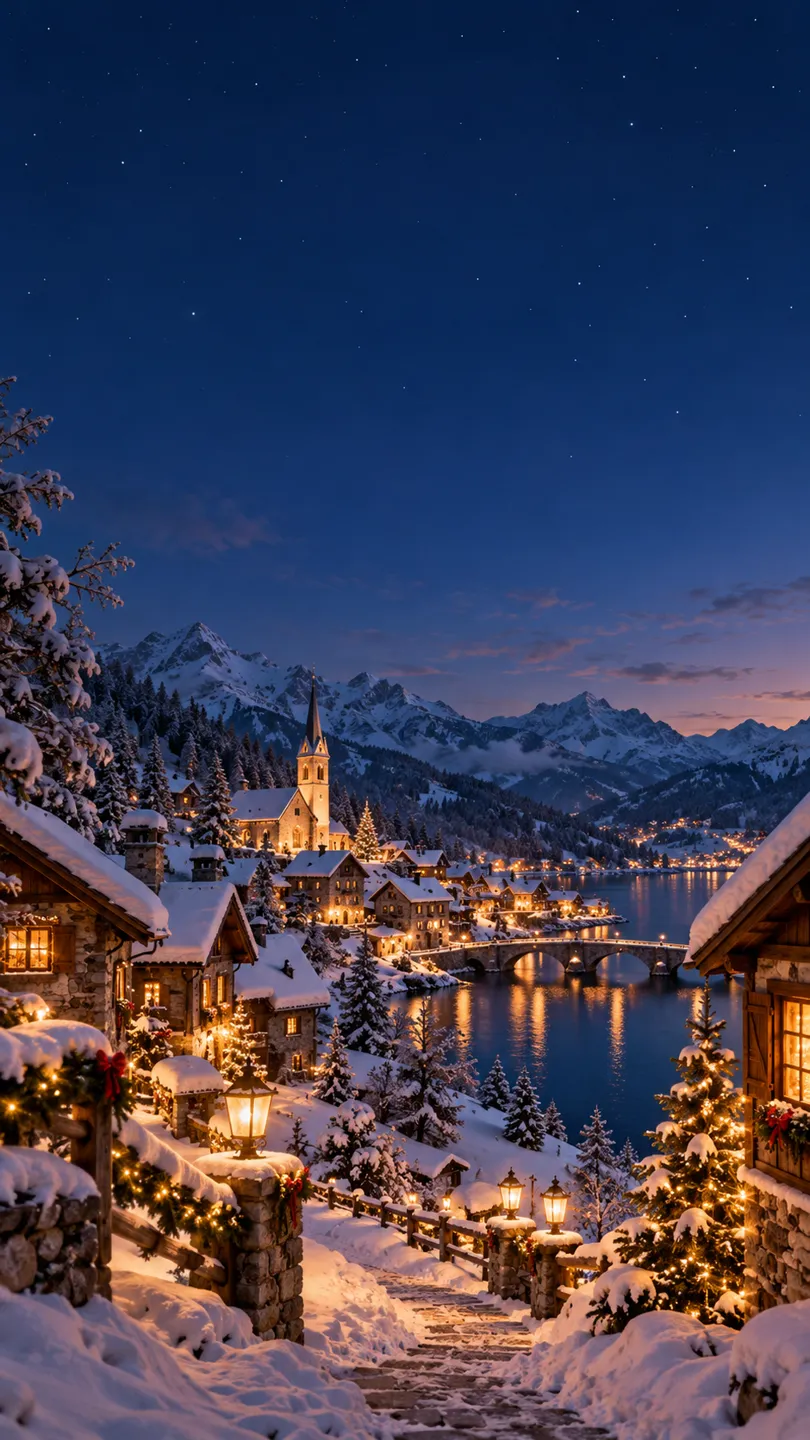
Christmas phone wallpaper, cozy snow-covered village at dusk with warm windows, open dark blue sky at top for clock; no text. Finished example output, no watermark.
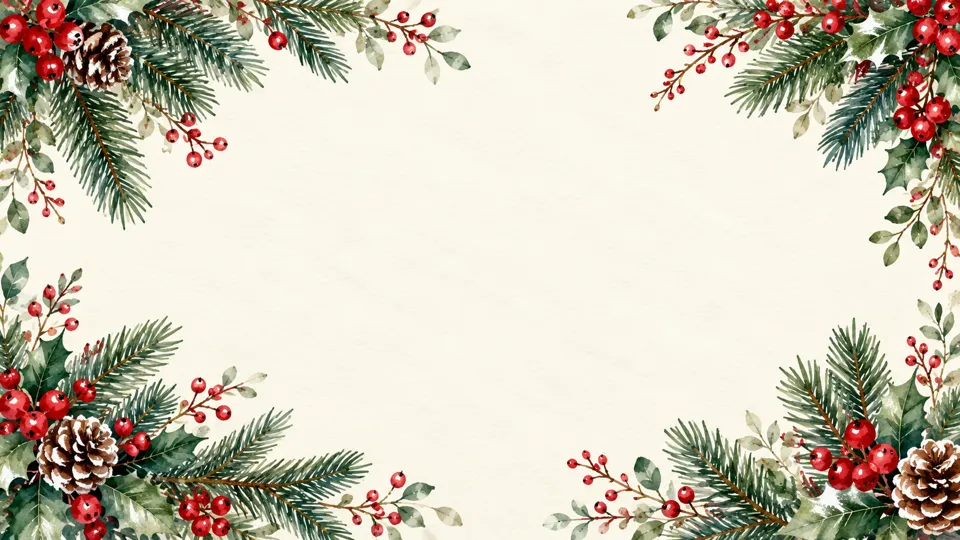
Christmas desktop wallpaper, watercolor fir branches and red berries along edges, quiet cream central space, landscape, no text. Finished example output, no watermark.
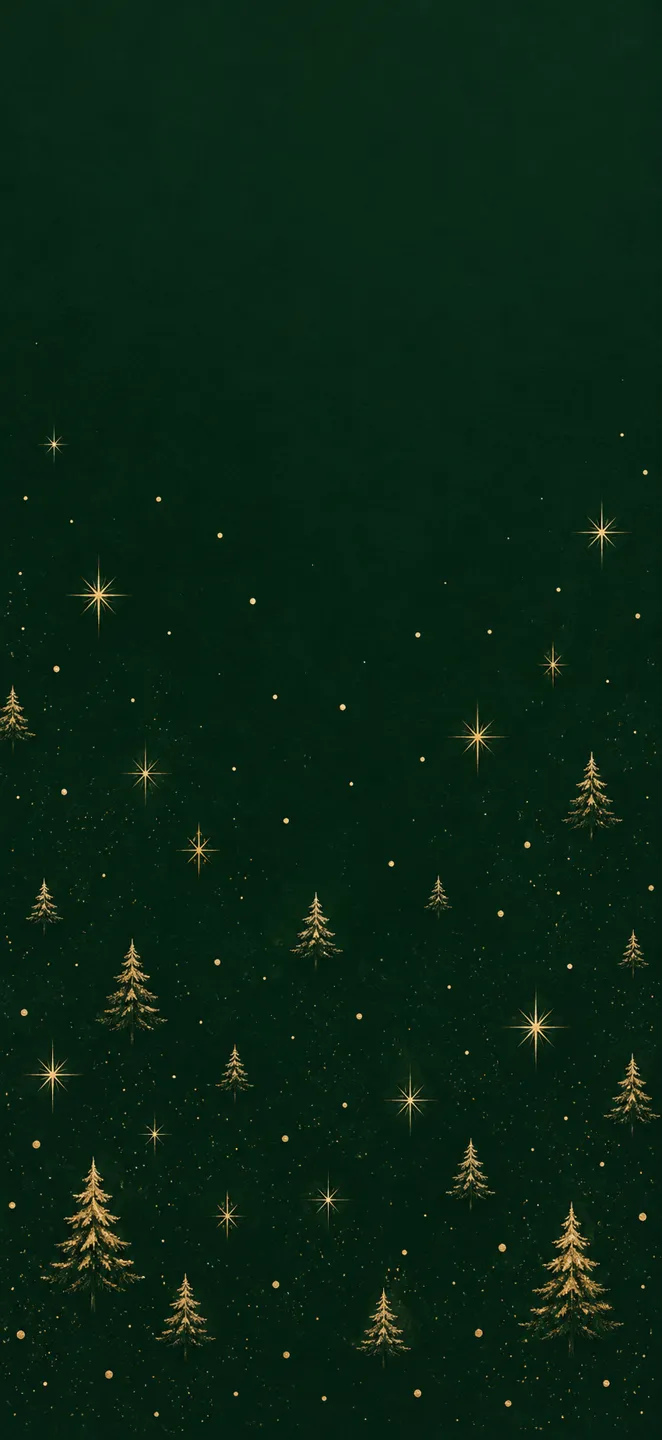
Christmas phone wallpaper, minimal golden stars and tiny fir trees on deep forest green, quiet top quarter, no text. Finished example output, no watermark.
Generate the same person, pet, or character across unlimited images — without losing the face. Then turn it into a 4-second video.
Type a prompt and generate. No email, account, credit card, or paid credit pack is required. The generator runs directly on the page.
Describe the subject, composition, lighting, and style. Generate once, then adjust the prompt or reference image when a detail needs another pass.
New image generations download as PNG files with no FreeArtGen watermark. Save the file promptly because provider-hosted result URLs are temporary.
Choose 1:1, 4:3, 3:2, 16:9, 9:16, or 4:5 for square posts, classic frames, landscapes, screens, stories, and portraits.
Sexually explicit content, sexualized minors, non-consensual deepfakes, hate, and targeted harassment are prohibited and filtered before generation.
The free service allows 5 image generations per IP address each hour. Automated use and attempts to bypass the limit are prohibited.
A Christmas wallpaper needs to work behind a screen interface, not only look attractive on its own.
Choose a canvas shape and describe empty space, detail level, and the colors or outlines you need.
Choose 16:9 and ask for quiet space behind your desktop icons. Set the downloaded image as your background and adjust the crop for your monitor.
A Christmas wallpaper needs to work behind a screen interface, not only look attractive on its own. Choose a tall canvas for a phone or a wide canvas for a desktop, then describe where you need empty space. On a phone, keep the upper area calm for the clock and notification cards. On a desktop, ask for a quieter side where your folders and shortcuts usually sit.
Pick one visual direction before adding holiday details. A snowy village with warm windows suits a cozy background; fir branches and berries around a cream center suit a lighter workspace; small gold stars on dark green provide a restrained festive pattern. Avoid dense ornaments behind small white interface labels. A strong contrast between the picture and your clock matters more than filling every corner with decorations.
Generate a few variations with the same composition request, then test them on the actual device. Wallpaper systems often crop an image, so keep important houses, trees, and characters away from the outer edges. This generator offers aspect-ratio choices rather than guaranteeing a particular phone model's native pixel dimensions. You may need to crop or resize the download in your device settings. If the clock becomes unreadable, ask for a darker or lighter blank upper area and remove high-detail snowflakes from that region before trying again.
Explore another custom image format.
Create printable Thanksgiving coloring pages from a custom theme, with black outlines, white backgrounds, and detail suited to the children using them.
A Christmas PFP maker creates square festive profile pictures with a centered face and safe margins for circular avatar crops.
Create custom Christmas coloring pages with printable black outlines, holiday subjects, and space for a name or a classroom greeting.
Choose 9:16 as a portrait starting point. Your phone may crop it, so keep the main subject away from edges and reserve space for the lock-screen clock.
Choose 16:9 and ask for quiet space behind your desktop icons. Set the downloaded image as your background and adjust the crop for your monitor.
Request a plain upper quarter with strong contrast against the clock color. Avoid bright lights, branches, or detailed snowfall in that area.