




No account or credits
Type a prompt and generate. No email, account, credit card, or paid credit pack is required. The generator runs directly on the page.
Create custom Christmas coloring pages with printable black outlines, holiday subjects, and space for a name or a classroom greeting.
Shared anonymously in Examples by default · prompt-only requests are public · reference-image requests stay private
AI-generated examples. Use these prompts as a starting point; your results will vary.
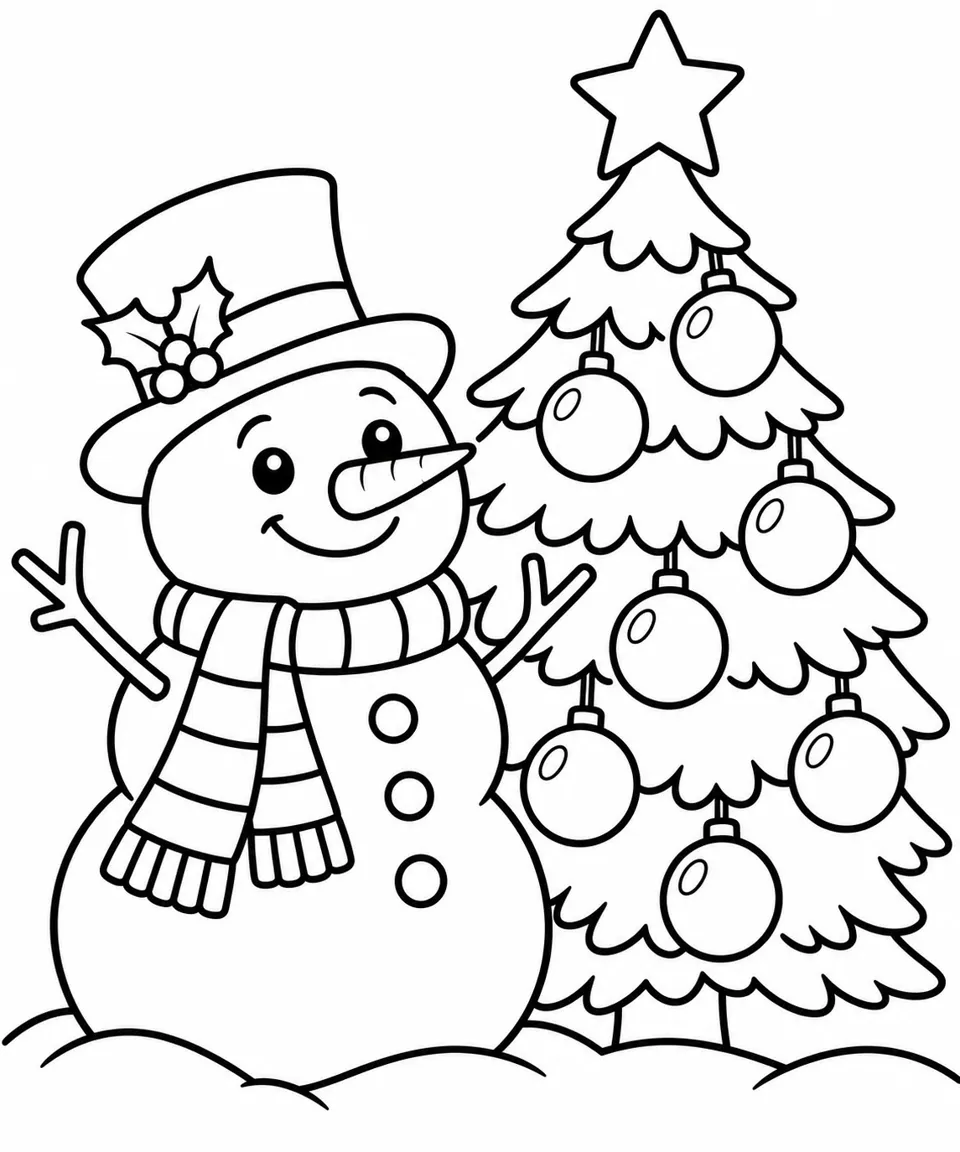
Printable Christmas coloring page, smiling snowman beside fir tree with big baubles, thick black outlines on pure white, simple large closed shapes, no shading or text. Finished example output, no watermark.
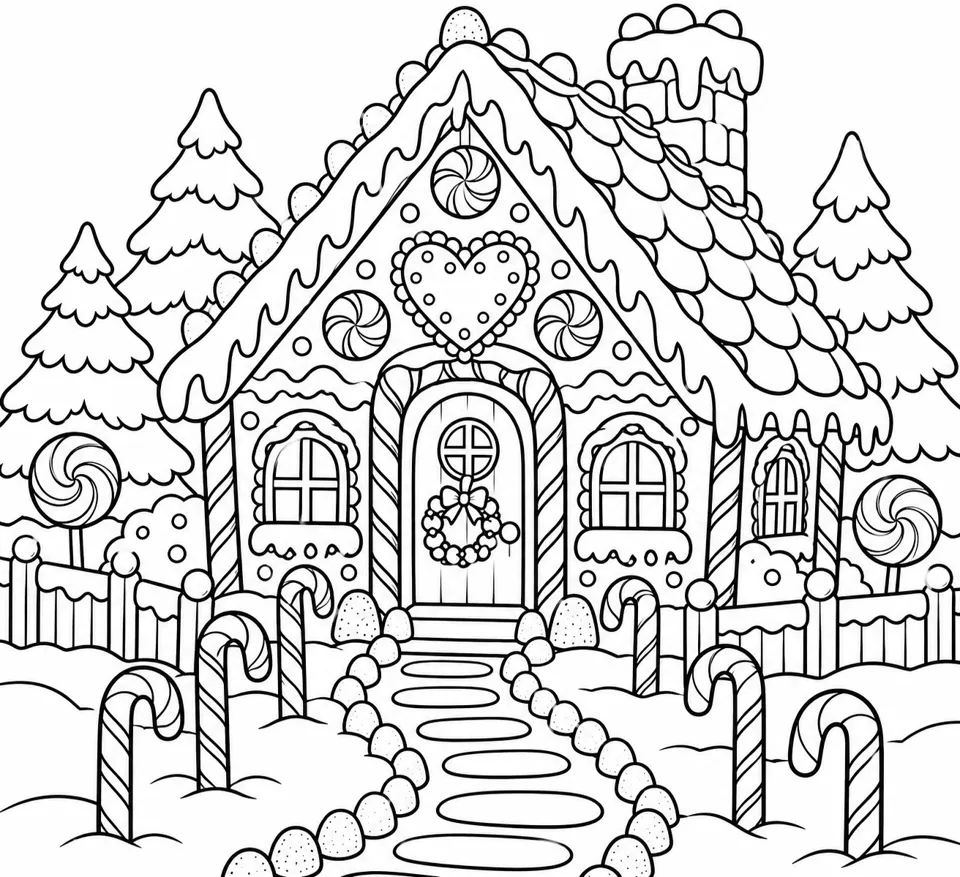
Printable Christmas coloring page, cozy gingerbread house with candy cane path, medium detail black line art on pure white, no shading or text. Finished example output, no watermark.
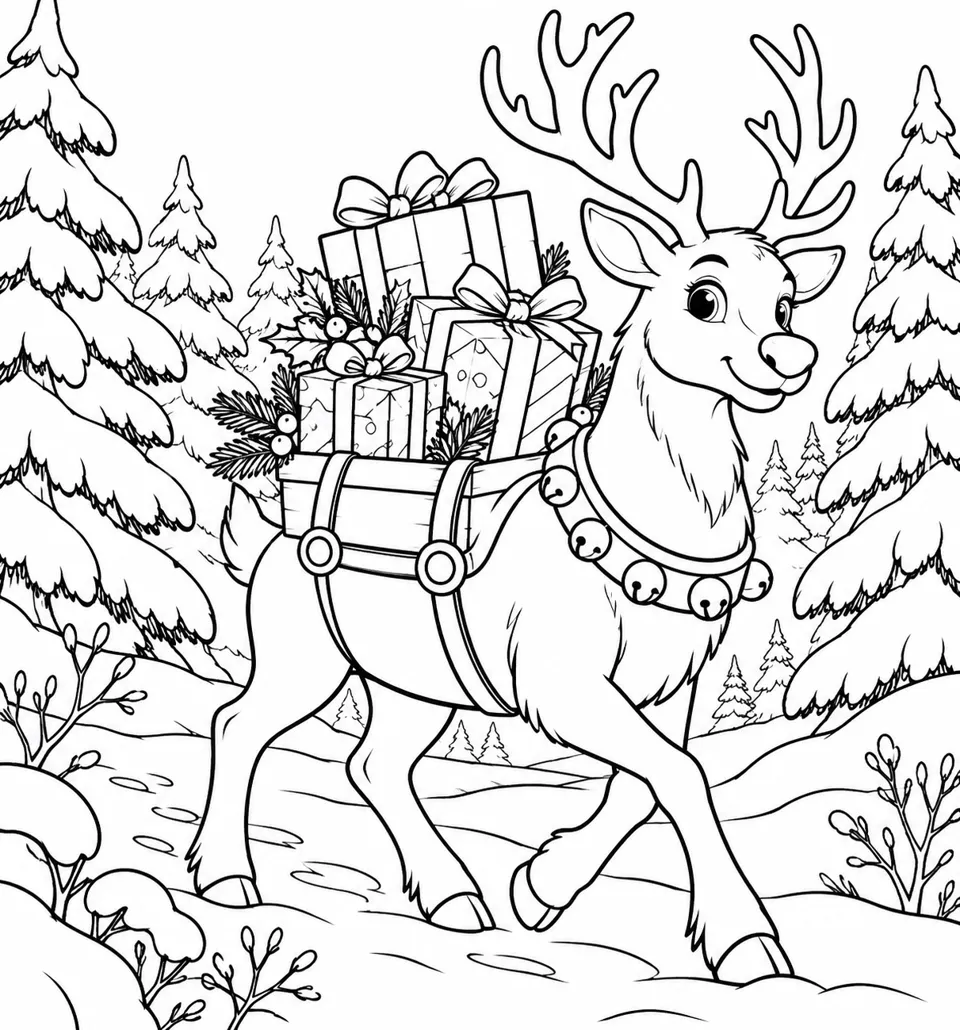
Printable Christmas coloring page, reindeer carrying wrapped presents through snowy forest, clean black outlines on white, no grey or text. Finished example output, no watermark.
Generate the same person, pet, or character across unlimited images — without losing the face. Then turn it into a 4-second video.
Type a prompt and generate. No email, account, credit card, or paid credit pack is required. The generator runs directly on the page.
Describe the subject, composition, lighting, and style. Generate once, then adjust the prompt or reference image when a detail needs another pass.
New image generations download as PNG files with no FreeArtGen watermark. Save the file promptly because provider-hosted result URLs are temporary.
Choose 1:1, 4:3, 3:2, 16:9, 9:16, or 4:5 for square posts, classic frames, landscapes, screens, stories, and portraits.
Sexually explicit content, sexualized minors, non-consensual deepfakes, hate, and targeted harassment are prohibited and filtered before generation.
The free service allows 5 image generations per IP address each hour. Automated use and attempts to bypass the limit are prohibited.
Choose a Christmas subject that fits the child's age and the activity.
Choose a canvas shape and describe empty space, detail level, and the colors or outlines you need.
Specify ages three to five, thick outlines, large closed shapes, and just one snowman or tree. Ask for no tiny ornaments and no shaded areas.
Choose a Christmas subject that fits the child's age and the activity. A snowman beside a tree gives beginners large shapes to fill, while a gingerbread house introduces smaller patterns for children who enjoy detail. A reindeer carrying presents makes a story prompt as well as a coloring sheet. Mention the number of main objects so the model does not turn the page into a crowded holiday collage.
For printable output, ask for pure white paper, closed black outlines, and no shading. Large baubles, broad scarf stripes, and simple wrapped boxes leave useful spaces for crayons. If the activity involves cutting out the picture afterward, request a single isolated subject with a clear outer silhouette. To personalize a class set, leave a blank name banner or empty greeting area and add names yourself; generated text can be misspelled even when the drawing is suitable.
Choose portrait for a conventional worksheet or landscape for a table activity. The tool generates a raster image, not a vector worksheet or an editable PDF. Download and inspect the image before printing, especially small ornaments and lines near the edge. Use fit-to-page, keep printer margins, and test one copy at the final size. You can reuse the same subject description while changing the detail level, making an easier snowman version for younger children and a more intricate gingerbread scene for older siblings or mixed-age classroom groups.
Explore another custom image format.
Create printable Thanksgiving coloring pages from a custom theme, with black outlines, white backgrounds, and detail suited to the children using them.
A Christmas wallpaper maker creates original festive backgrounds with room for phone clocks, desktop icons, and the screen shape you choose.
A Christmas PFP maker creates square festive profile pictures with a centered face and safe margins for circular avatar crops.
Ask for a blank banner or name box and add the name after download for reliable spelling. You can request generated lettering, but inspect it closely.
Specify ages three to five, thick outlines, large closed shapes, and just one snowman or tree. Ask for no tiny ornaments and no shaded areas.
Yes. Download it and use fit-to-page with your printer margins. Test the line quality and crop first; the tool does not generate a PDF or guarantee a particular print resolution.