




No account or credits
Type a prompt and generate. No email, account, credit card, or paid credit pack is required. The generator runs directly on the page.
Create a grid of animation frames sharing one character, scale, palette, and camera angle. Describe the subject, composition, palette, and finish; generate online with no signup or paid credits.
Shared anonymously in Examples by default · prompt-only requests are public · reference-image requests stay private
Generate the same person, pet, or character across unlimited images — without losing the face. Then turn it into a 4-second video.
Type a prompt and generate. No email, account, credit card, or paid credit pack is required. The generator runs directly on the page.
Describe the subject, composition, lighting, and style. Generate once, then adjust the prompt or reference image when a detail needs another pass.
New image generations download as PNG files with no FreeArtGen watermark. Save the file promptly because provider-hosted result URLs are temporary.
Choose 1:1, 4:3, 3:2, 16:9, 9:16, or 4:5 for square posts, classic frames, landscapes, screens, stories, and portraits.
Sexually explicit content, sexualized minors, non-consensual deepfakes, hate, and targeted harassment are prohibited and filtered before generation.
The free service allows 5 image generations per IP address each hour. Automated use and attempts to bypass the limit are prohibited.
Start with the main subject and intended use, such as game prototypes or animation planning.
Specify pixel dimensions, view angle, frame count, action sequence, transparent or plain background, and strict alignment between cells.
Check the focal point, crop, anatomy, small details, and empty space. Change one prompt variable at a time.
Save the watermark-free PNG, then add exact text, sizing, or production details in an editor when needed.
Compare finished results with the prompts behind them, then bring one back here as your starting point.
Explore the collection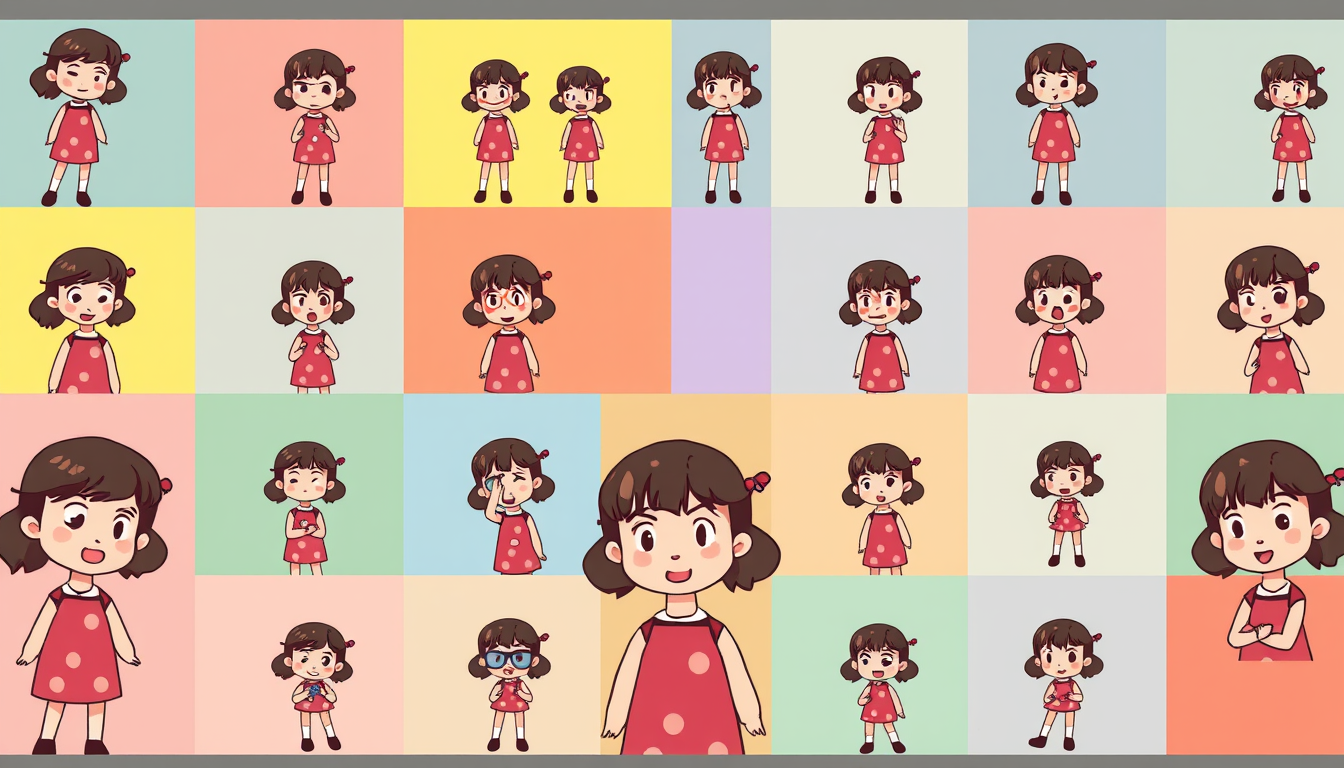
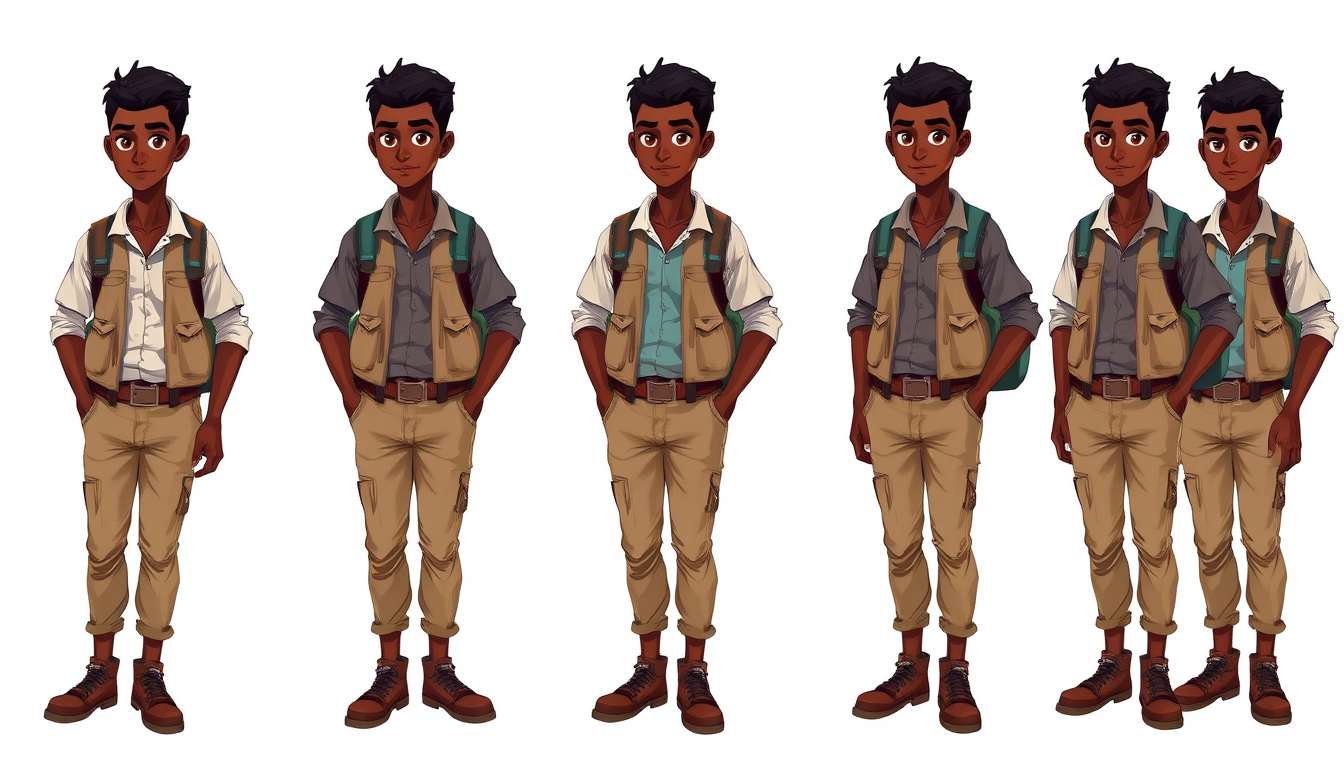
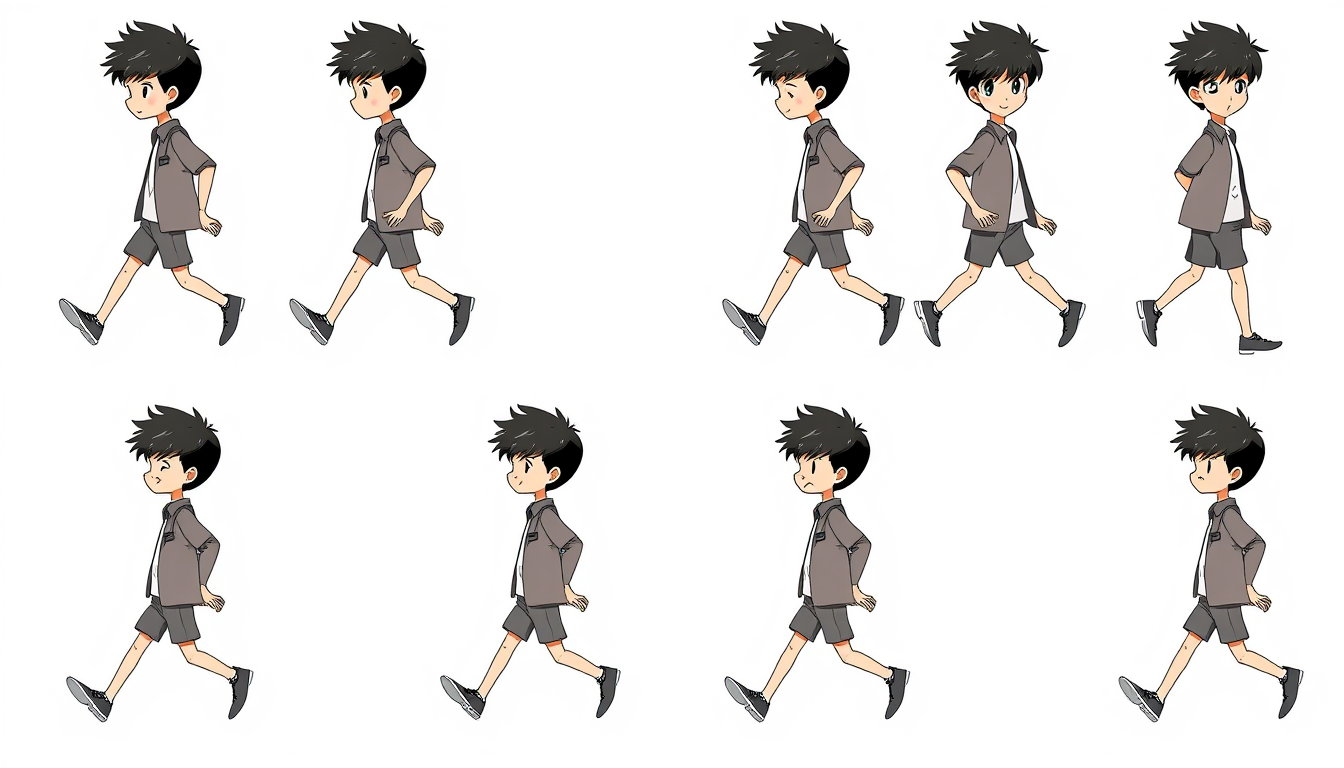
Sprite sheet generator is most useful when the prompt describes a real visual decision instead of relying on a broad style label. The goal here is a grid of animation frames sharing one character, scale, palette, and camera angle. Specify pixel dimensions, view angle, frame count, action sequence, transparent or plain background, and strict alignment between cells. Start with one subject and one composition. Add the setting, lighting, palette, camera or viewing angle, and rendering finish only after the core idea is clear. That order makes it easier to see which instruction changed the result.
Common uses include game prototypes, animation planning, pixel-art references. Useful starting prompts include “an eight-frame 32px knight walk cycle viewed from the side”; “a six-frame top-down mage casting animation on a plain background”; “a four-direction farmer sprite with matching scale and palette”; “a small robot idle loop with blinking lights and fixed camera”. Generate a first version, inspect silhouette, crop, hands, faces, small objects, edge quality, and empty space, then change one variable at a time. Repeating stable anchor traits is more reliable than rewriting the entire prompt between attempts. If exact typography, measurements, logos, grids, or brand assets matter, create the artwork here and finish those production details in a dedicated editor.
FreeArtGen works without signup or paid credits and new results download as watermark-free PNG files, subject to fair-use limits. Frame consistency and clean grid separation are not guaranteed; expect to cut, align, and repair frames in a sprite editor. Uploaded reference images are sent to the inference provider and are not stored on FreeArtGen's servers; prompt text and anonymous generation metadata may be retained for up to 90 days. The service is intended for personal and experimental use and does not grant a commercial license. Check likeness, copyright, trademark, privacy, print resolution, and third-party rights before publishing or selling a result.
Explore related generators for game prototypes, animation planning, pixel-art references.
Create a single readable game sprite with a controlled silhouette, palette, scale, and viewing angle. Describe the subject, composition, palette, and finish; generate online with no signup or paid credits.
Create pixel-style artwork with a deliberate grid scale, limited palette, crisp clusters, and readable silhouette. Describe the subject, composition, palette, and finish; generate online with no signup or paid credits.
Generate 2D game-ready art assets from a text prompt. Free, no account needed, no watermark — sprites, icons, and props in seconds.
Yes. No account or paid credits are required. Hourly per-IP fair-use limits apply.
Specify pixel dimensions, view angle, frame count, action sequence, transparent or plain background, and strict alignment between cells.
Yes. New results download as watermark-free PNG files. Save the file promptly because provider-hosted URLs can be temporary.
Frame consistency and clean grid separation are not guaranteed; expect to cut, align, and repair frames in a sprite editor.