




No account or credits
Type a prompt and generate. No email, account, credit card, or paid credit pack is required. The generator runs directly on the page.
Generate retro pixel art from a description in seconds. No account, fair-use limits apply — describe any character, scene, or object and get crisp 32-bit style art instantly.
Shared anonymously in Examples by default · prompt-only requests are public · reference-image requests stay private
Generate the same person, pet, or character across unlimited images — without losing the face. Then turn it into a 4-second video.
Type a prompt and generate. No email, account, credit card, or paid credit pack is required. The generator runs directly on the page.
Describe the subject, composition, lighting, and style. Generate once, then adjust the prompt or reference image when a detail needs another pass.
New image generations download as PNG files with no FreeArtGen watermark. Save the file promptly because provider-hosted result URLs are temporary.
Choose 1:1, 4:3, 3:2, 16:9, 9:16, or 4:5 for square posts, classic frames, landscapes, screens, stories, and portraits.
Sexually explicit content, sexualized minors, non-consensual deepfakes, hate, and targeted harassment are prohibited and filtered before generation.
The free service allows 5 image generations per IP address each hour. Automated use and attempts to bypass the limit are prohibited.
Write what you want — a character, object, scene, or icon. Mention the pixel art style and any color palette preferences for best results.
Click generate and your pixel art appears in seconds with the characteristic limited-color retro aesthetic.
Change the subject, color scheme, or level of detail and regenerate. generation means you can iterate as many times as needed within fair-use limits.
Save the pixel art at full resolution. Use it in games, projects, streams, or social posts — no watermarks, no cost.
Compare finished results with the prompts behind them, then bring one back here as your starting point.
Explore the collection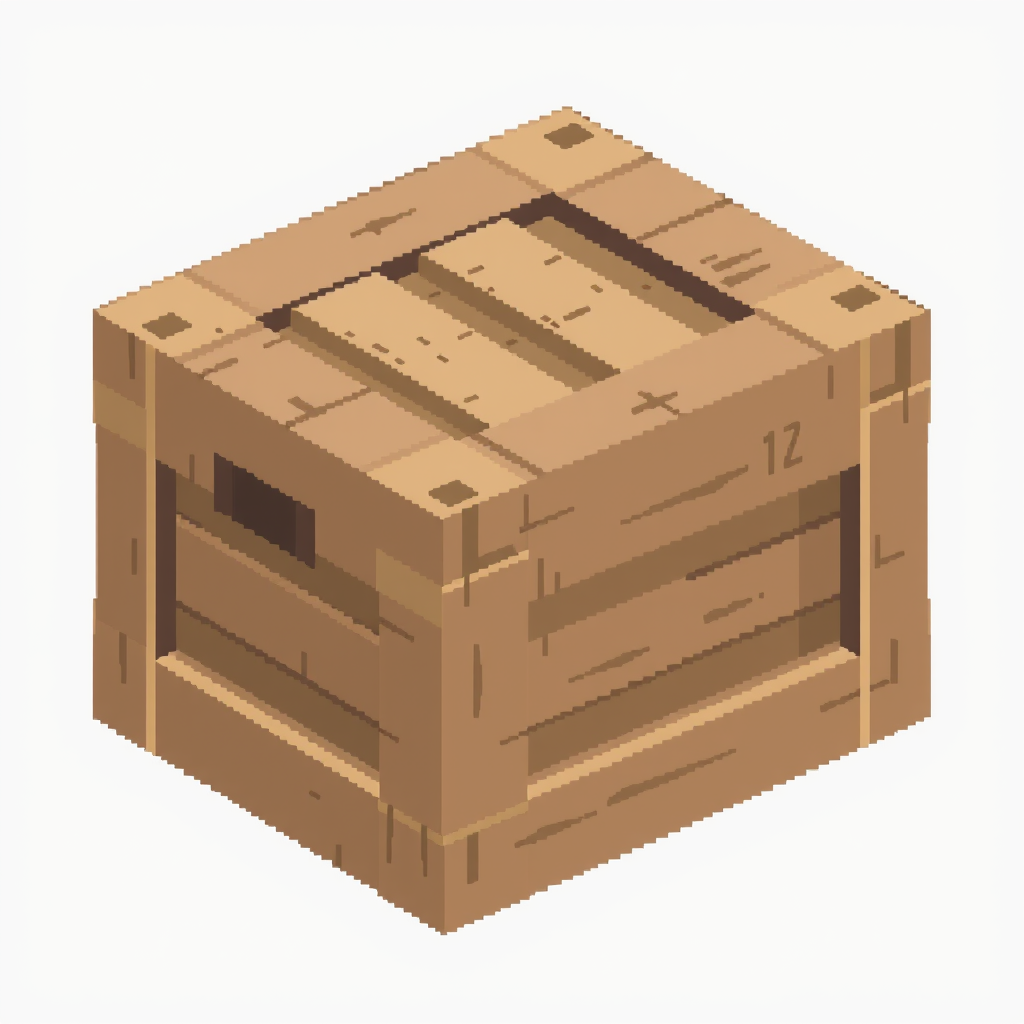
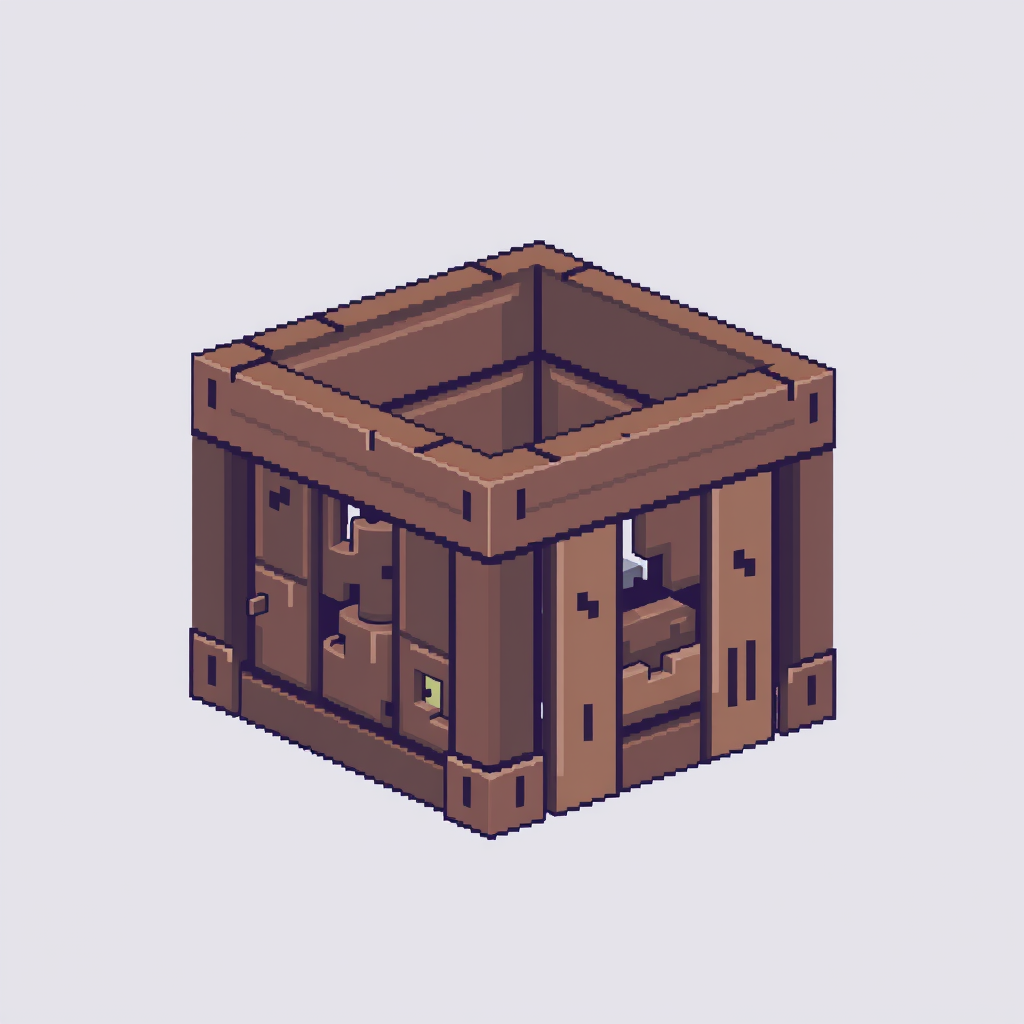
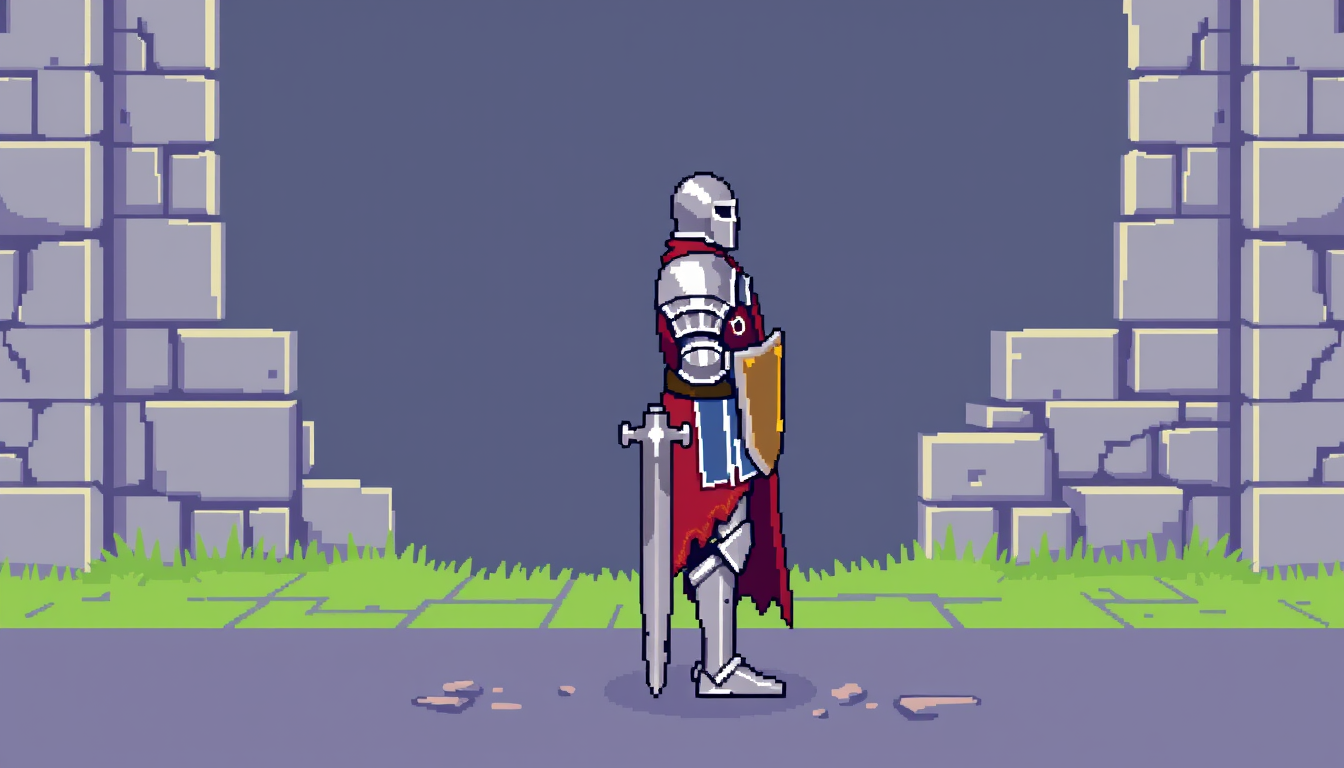
Pixel art is one of the most recognizable visual styles in digital culture. Born from the hardware constraints of early home computers and game consoles, it evolved into a deliberate aesthetic that communicates nostalgia, craft, and a particular kind of digital charm that smooth high-resolution art doesn't replicate. The style remains dominant in indie game development, profile picture communities, stream overlay design, and retro-inspired creative work.
Creating good pixel art by hand is genuinely skilled work. The constraint of a limited color palette, combined with the need for every pixel to be intentional, means that pixel art demands a level of precision that takes years to develop. Traditional tools help but don't remove the difficulty.
This free pixel art maker lets you describe what you want and get retro-styled pixel art in seconds. No account, no payment, fair-use limits apply on how many images you generate. The output is tuned for the pixel art aesthetic: limited color palette, clear readable design at the characteristic small resolutions associated with the style, and the blocky, geometric quality that makes pixel art look like pixel art rather than a low-resolution photograph.
The range of subjects that work well is wide. Character sprites — knights, wizards, monsters, animals — are natural fits, as are objects and items. Environmental scenes like dungeons, forests, and towns produce strong results. Icons and symbols come out cleanly. The style also adapts well to different resolution feels: you can push toward a more detailed 16-bit RPG style or a minimal 8-bit icon style by including those terms in your description.
Practical use cases are numerous. Indie game developers use it for concept art and placeholder sprites. Streamers use it for channel overlays and emote art. Developers building pixel-style games use it for rapid asset ideation. Artists use it as a starting point for pieces they'll refine by hand. And a large community of pixel art enthusiasts simply appreciates the aesthetic and makes it for fun.
Because generation is free within fair-use limits, you can explore as many iterations as a project needs — different color schemes, different subjects, different detail levels — without any cost constraint.
Yes. No signup, no subscription, no per-image cost. Generate as many pixel art images as you want.
The generator produces images in a pixel art aesthetic style. For exact pixel-grid dimensions needed for game development, you may want to scale the output down in an image editor set to nearest-neighbor resampling.
FreeArtGen permits personal and experimental use only and does not grant a commercial license. It makes no ownership claim, but you are responsible for third-party rights and local copyright law.
Include color palette terms in your description — for example 'warm earth tones,' 'GameBoy green palette,' or 'limited 4-color palette.' The generator will follow style direction well.
Describe the pixel art scene you want — a character mid-stride, a glowing flame, or a dynamic object.