




No account or credits
Type a prompt and generate. No email, account, credit card, or paid credit pack is required. The generator runs directly on the page.
Generate black-and-white manga panels from any scene or character. Ink, screentone, and manga composition applied automatically. Free, no signup.
Shared anonymously in Examples by default · prompt-only requests are public · reference-image requests stay private
Generate the same person, pet, or character across unlimited images — without losing the face. Then turn it into a 4-second video.
Type a prompt and generate. No email, account, credit card, or paid credit pack is required. The generator runs directly on the page.
Describe the subject, composition, lighting, and style. Generate once, then adjust the prompt or reference image when a detail needs another pass.
New image generations download as PNG files with no FreeArtGen watermark. Save the file promptly because provider-hosted result URLs are temporary.
Choose 1:1, 4:3, 3:2, 16:9, 9:16, or 4:5 for square posts, classic frames, landscapes, screens, stories, and portraits.
Sexually explicit content, sexualized minors, non-consensual deepfakes, hate, and targeted harassment are prohibited and filtered before generation.
The free service allows 5 image generations per IP address each hour. Automated use and attempts to bypass the limit are prohibited.
Write what's happening in the panel — action, emotion, setting, or all three. Manga composition handles the rest.
Black-and-white ink treatment, screentone gradients, and manga panel framing are silently applied. No style keywords needed.
Download the result instantly. Works as reference art, storyboard, or standalone illustration. No login, no watermark.
Compare finished results with the prompts behind them, then bring one back here as your starting point.
Explore the collection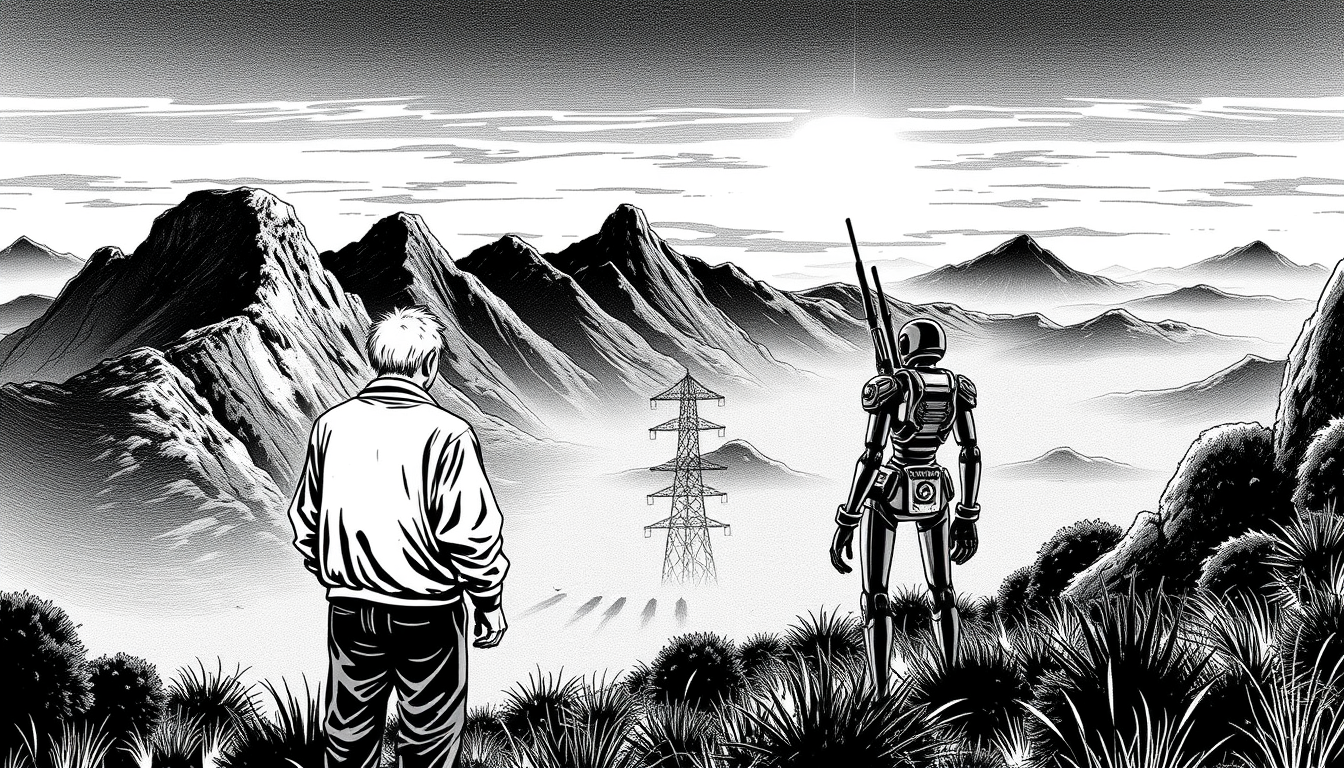
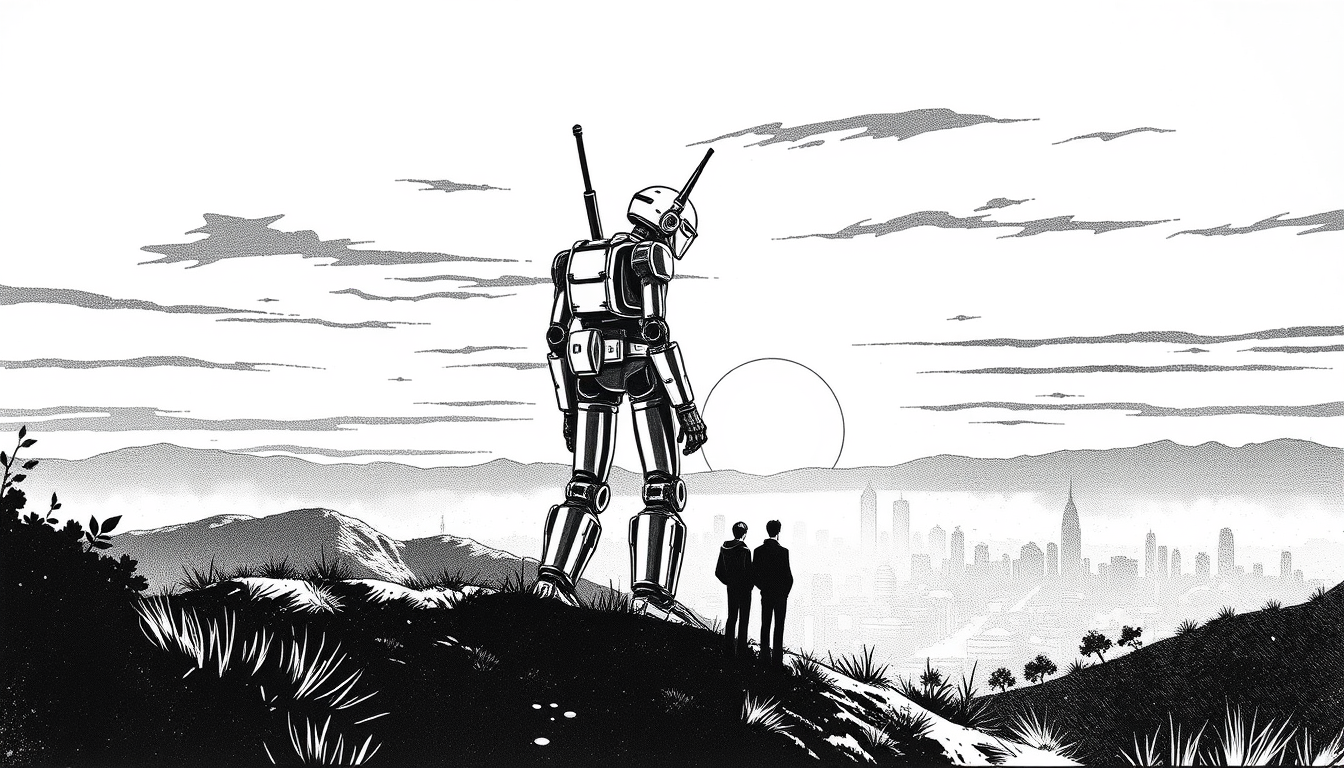
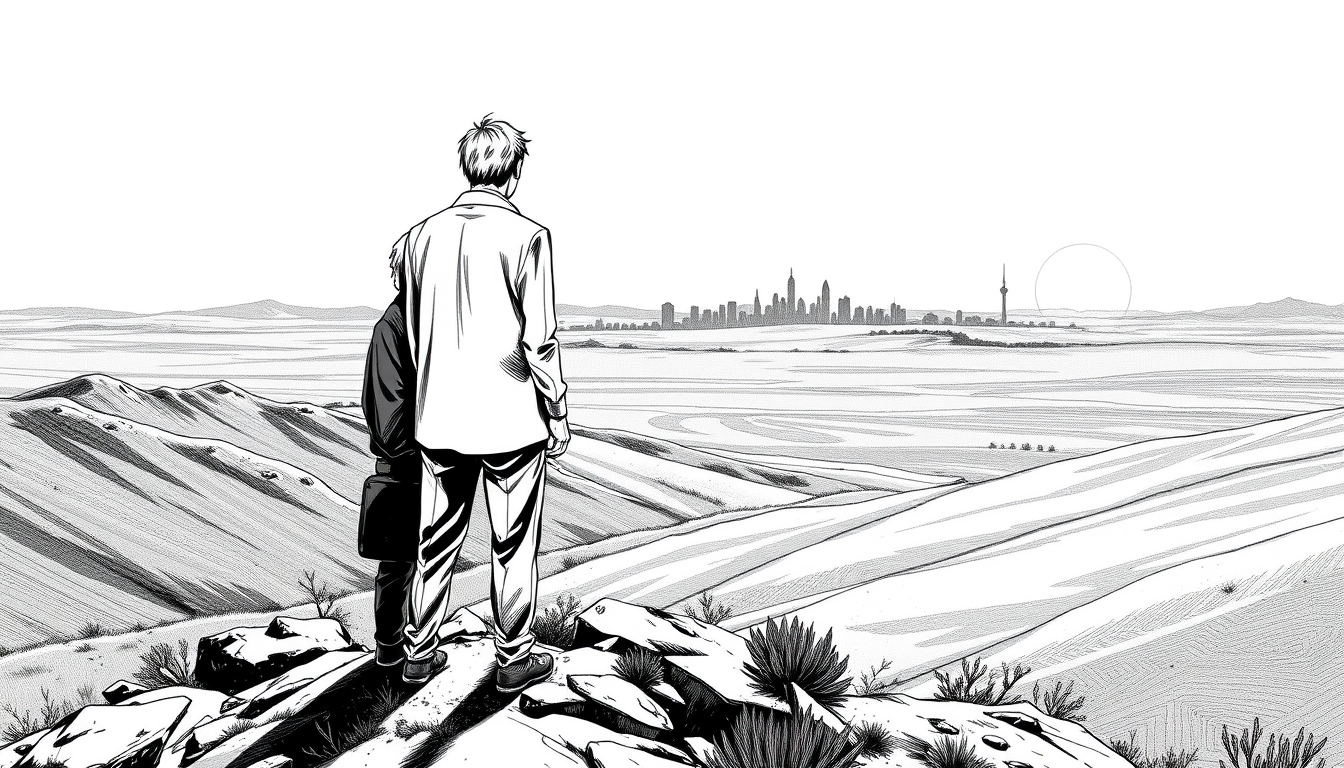
Manga is a graphic storytelling medium rooted in a specific visual grammar that evolved in Japan across the twentieth century, from the postwar works of Osamu Tezuka — who synthesized Disney animation technique with Japanese pictorial tradition — through the genre diversification of the 1970s and 1980s, when shonen action manga, shojo romance, and seinen drama each developed distinct visual registers. What characterizes manga at a technical level is the primacy of line: where western comics often rely heavily on color fills, manga works predominantly in black and white, using line weight variation, hatching, and screentone patterns to carry the full expressive range of a scene.
Screentone is the medium-defining texture of manga — the dot-pattern film originally applied as adhesive sheets to hand-drawn originals, now replicated digitally. A flat gray in a character's shirt becomes a 60-line-per-inch dot field. Shadow under a chin becomes a cross-hatched wash. The texture that results is immediately readable as manga by audiences who've never thought consciously about it; it's as embedded in the visual vocabulary of the form as the Benday dot is in American pop art.
Line weight in manga is used with a precision that animation rarely achieves. Thicker outlines on foreground elements, finer strokes in the midground, near-invisible lines for distant objects — this hierarchy creates depth without color. Combined with speed lines — radial or parallel lines that imply motion or emotional intensity — the result is an image that communicates kinetics even when frozen.
For AI generation, manga is among the most strongly conditioned styles available. The sheer volume of manga scan digitization means models reproduce screentone texture, line weight hierarchy, and panel composition conventions reliably. The tool works well for action beats, character close-ups, and atmospheric establishing shots — genres where manga's strengths in line expressiveness are most apparent.
Explore other styles on FreeArtGen
Create anime-style art from any prompt. Free, no signup; generations are available within fair-use limits — vivid cel shading, expressive characters, runs in your browser.
Turn any scene into a comic panel illustration. Free, no signup, subject to fair-use limits — bold inks, halftone shading, speech-bubble-ready compositions, runs in your browser.
Create Studio Ghibli-inspired art online — soft palettes, painterly backgrounds, and gentle characters. Free, no signup, subject to fair-use limits.
It creates manga-style artwork — inked line work, screentones, and expressive characters — from a short description.
Name the character, expression, and scene, like 'a determined swordsman under cherry blossoms, dynamic angle.'
Yes — completely free, no account, no credit card, and no watermark.
FreeArtGen permits personal and experimental use only and does not grant a commercial license. It makes no ownership claim, but you are responsible for third-party rights and local copyright law.
New images download as watermark-free PNG in six sizes: 1:1 1024×1024, 4:3 1152×896, 3:2 1152×768, 16:9 1344×768, 9:16 768×1344, and 4:5 896×1152. Upscale before making a large print.