




No account or credits
Type a prompt and generate. No email, account, credit card, or paid credit pack is required. The generator runs directly on the page.
Generate album cover art that captures the sound of your music. Square format, evocative imagery, bold space for your title — no account, no watermarks, ready to upload.
Shared anonymously in Examples by default · prompt-only requests are public · reference-image requests stay private
Generate the same person, pet, or character across unlimited images — without losing the face. Then turn it into a 4-second video.
Type a prompt and generate. No email, account, credit card, or paid credit pack is required. The generator runs directly on the page.
Describe the subject, composition, lighting, and style. Generate once, then adjust the prompt or reference image when a detail needs another pass.
New image generations download as PNG files with no FreeArtGen watermark. Save the file promptly because provider-hosted result URLs are temporary.
Choose 1:1, 4:3, 3:2, 16:9, 9:16, or 4:5 for square posts, classic frames, landscapes, screens, stories, and portraits.
Sexually explicit content, sexualized minors, non-consensual deepfakes, hate, and targeted harassment are prohibited and filtered before generation.
The free service allows 5 image generations per IP address each hour. Automated use and attempts to bypass the limit are prohibited.
Think about the genre, emotional tone, and key imagery that represents the album. The more specific the mood — melancholy, euphoric, tense, serene — the more the cover will match the music.
The AI renders a square 1:1 composition with evocative imagery and deliberate space for album title and artist name text overlays.
Download the artwork, add your album title and artist name in any image editor, and upload to Spotify, Apple Music, Bandcamp, or wherever you're releasing.
Compare finished results with the prompts behind them, then bring one back here as your starting point.
Explore the collection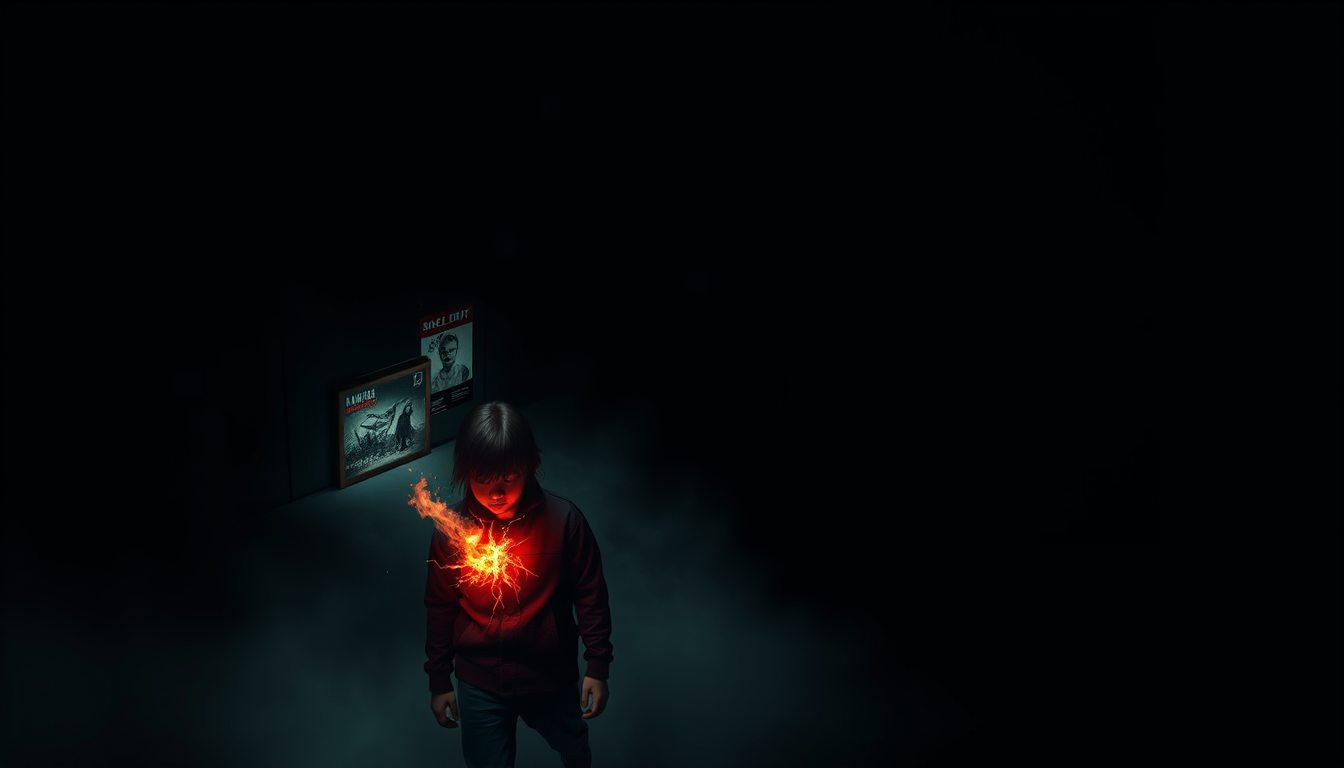
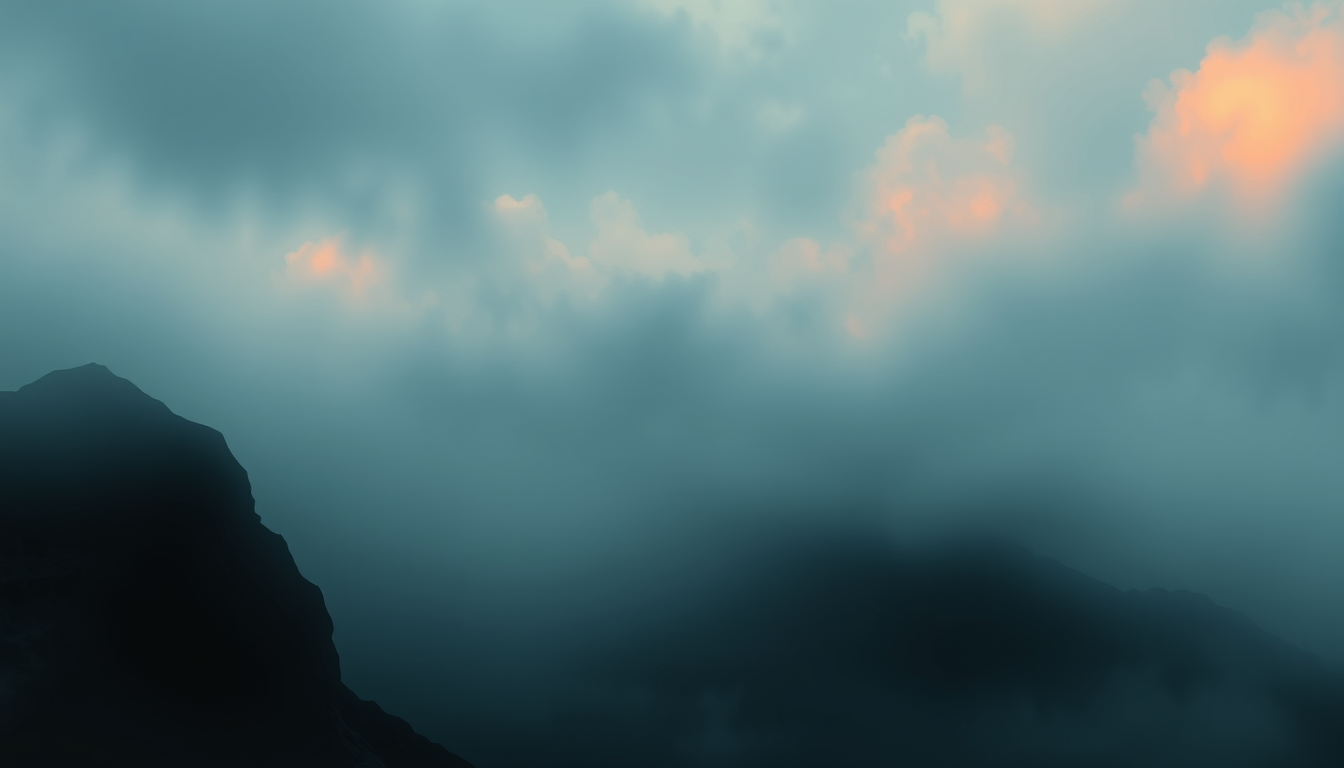
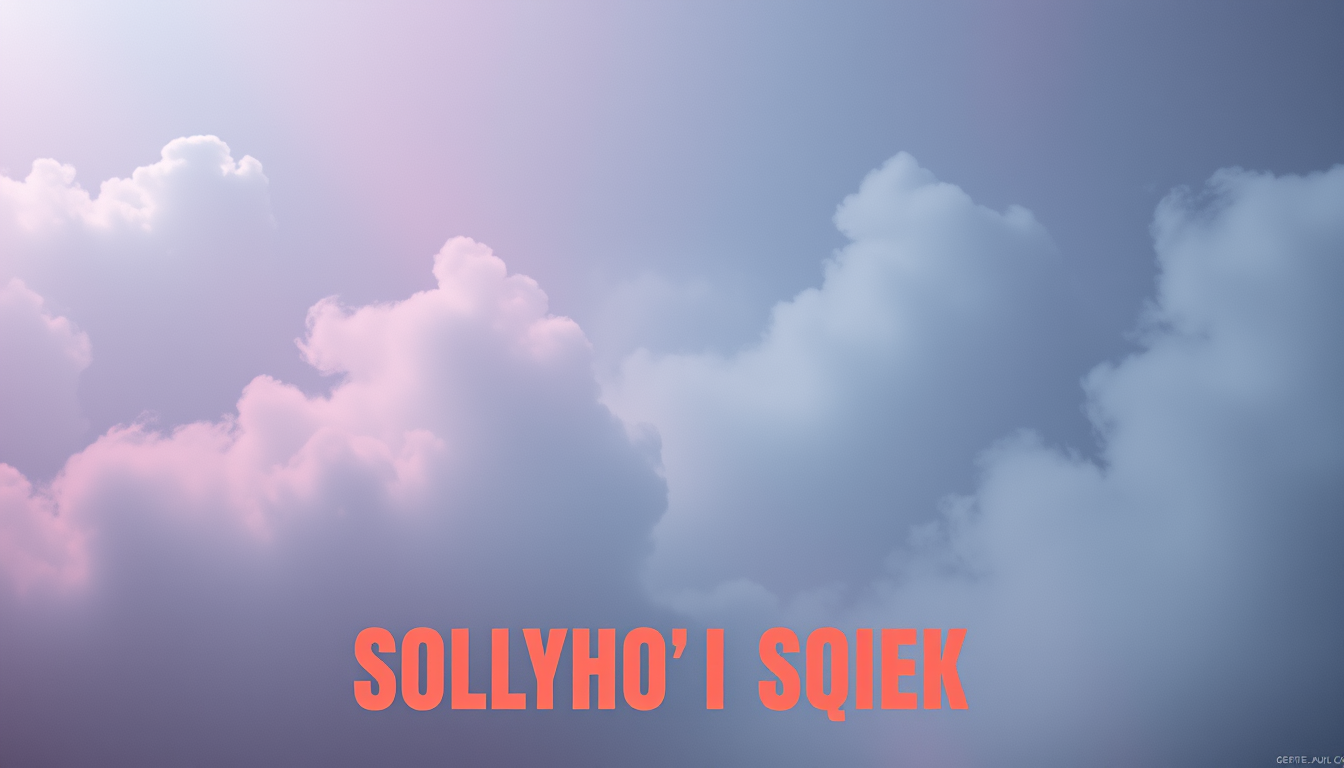
Album artwork is the visual handshake between a listener and a record. Before a single note plays on Spotify or Apple Music, the cover image has already set an expectation — this is melancholy, this is energetic, this is experimental, this is familiar. For independent musicians and producers without a label's art budget, getting that visual right has always been a friction point.
This tool generates square 1:1 album cover art from text descriptions, using a model that understands the visual vocabulary of different music genres and moods. Describe the sound and emotional territory of your album — the genre, the lighting, the imagery, the atmosphere — and the AI renders cover art that reads like it belongs to the music.
The 1:1 square format is non-negotiable for music platforms. Spotify, Apple Music, Tidal, Bandcamp, and every other major platform requires square artwork, and the composition logic in this tool is built around that constraint from the start. Every generation is optimized for the format, not cropped into it after the fact.
For solo artists and small bands who release frequently — singles, EPs, and albums across a catalog — the cost of commissioning custom artwork for every release adds up fast. An album cover generator that produces genuinely evocative, genre-appropriate art from a description removes that cost without sacrificing the visual quality that streaming platforms display at high resolution on playlist pages and artist profiles.
For producers working across genres or under multiple project names, the tool handles the full range: atmospheric ambient, dark electronic, lo-fi hip hop, jazz, folk, punk, metal, pop, and the hybrid genres that don't fit neatly into any category. The more specific your description of the sonic territory, the more accurately the image captures the aesthetic.
Iterating through visual concepts is a normal part of the creative process for album art. A cover that seemed right on day one sometimes misses the mark once the tracklist is finalized. Generating a dozen concept variations quickly, identifying the direction that resonates, and refining from there is a workflow this tool is well suited for.
The typographic space built into compositions matters because album covers almost always carry text — at minimum the artist name and album title, sometimes additional credits. Generating artwork that anticipates text placement means you don't have to fight the image when you add type in a separate editing step.
Because no account is required, the tool is available immediately whenever inspiration or a release deadline arrives. No subscription gate, no credit system, no waiting for an account confirmation — just describe and generate.
Yes. No account, no subscription, no watermarks. Generate as many cover designs as you need within the hourly rate limit.
New images download as watermark-free PNG in six sizes: 1:1 1024×1024, 4:3 1152×896, 3:2 1152×768, 16:9 1344×768, 9:16 768×1344, and 4:5 896×1152. Upscale before making a large print.
FreeArtGen permits personal and experimental use only and does not grant a commercial license. It makes no ownership claim, but you are responsible for third-party rights and local copyright law.
Download the generated image and add text in any image editor — Canva, Photoshop, GIMP, or even Google Slides. The compositions include deliberate space for typographic overlays.
All genres. The key is describing the mood, atmosphere, and imagery rather than just naming a genre. 'Dark, industrial, red machinery glow' works better than just 'metal' as a prompt.